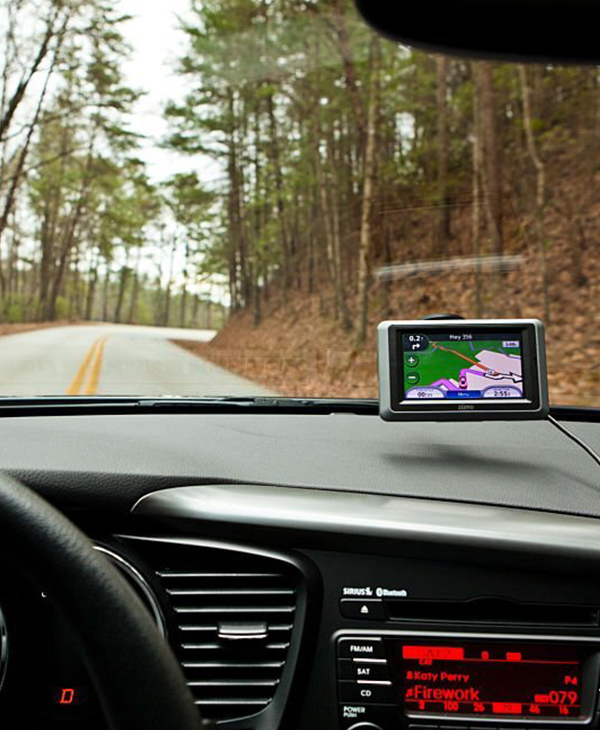
Garmin Update Software
Garmin update software
To update the software on your Garmin GPS device, follow these steps:
-
Install Garmin Express: If you haven't already, download Garmin Express from the official Garmin website and install it on your computer. Garmin update software used to manage and update Garmin GPS devices.
-
Connect Your GPS Device: Use a USB cable to connect your Garmin GPS device to your computer. Make sure the device is powered on.
-
Open Garmin Express: Launch Garmin Express on your computer. The software should automatically detect your connected GPS device.
-
Check for Updates: Garmin Express will check for available updates for your device. If there is a software update available, it will be displayed on the Garmin Express interface.
-
Download and Install Updates: If a software update is available, click on the "Install" or "Update" button within Garmin Express. The software will download the update and install it on your GPS device. The update process may take some time, so be patient and keep the device connected during the update.
-
Safely Disconnect: Once the update is complete, safely disconnect your Garmin GPS device from the computer.